
Character Customization Basics
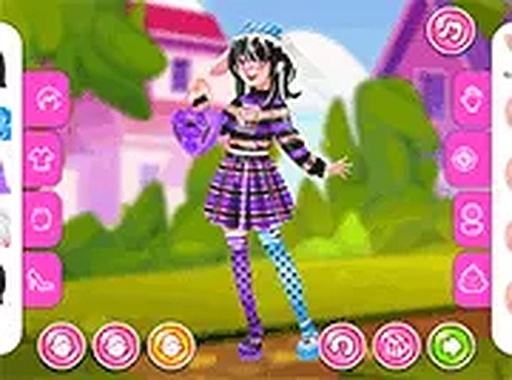
In Teen Style Studio, players work with three distinct characters, each offering a blank canvas for fashion experimentation. The interface presents clothing items sorted into clear categories like tops, bottoms, footwear, and extras. Using a mouse or touch input, you can select and place items onto a character to see how they look together. The system encourages trying multiple combinations before settling on a final design.
Mixing Modern and Edgy Elements
The game’s wardrobe includes pieces that range from cute and playful to bold and futuristic. Players can pair soft pastel tops with metallic accessories or add punk-inspired details like studded belts or layered necklaces. This blend of styles allows for looks that feel both current and personal. The goal is not just to dress a character but to tell a story through their outfit.
Capturing and Sharing Designs
Once an outfit is complete, Teen Style Studio includes a screenshot tool that lets players save their work. These images can be uploaded to a personal profile or shared with friends for feedback. This feature turns the game into a social experience, where creativity is displayed and discussed. It also helps players track their progress and revisit favorite combinations later.
Browser-Based Convenience
The entire experience runs directly in a web browser without any downloads or installations. This makes it accessible on various devices, including laptops, tablets, and smartphones. Players can jump into styling sessions quickly and save their work without worrying about file management. The lightweight design ensures smooth performance even on older hardware.








Comments
0 comments