Mining Rush: Idle Miner Tycoon
Reviews
Mining Rush delivers a polished idle tycoon experience that balances automation with strategic upgrades. The city building adds depth beyond typical mining games, giving players a clear goal to work toward. Over 60 tools ensure steady progression without feeling repetitive. The offline earnings feature makes it easy to return and see tangible growth. It is a great choice for players who enjoy incremental games with a sense of purpose.
About This Game
Game Introduction
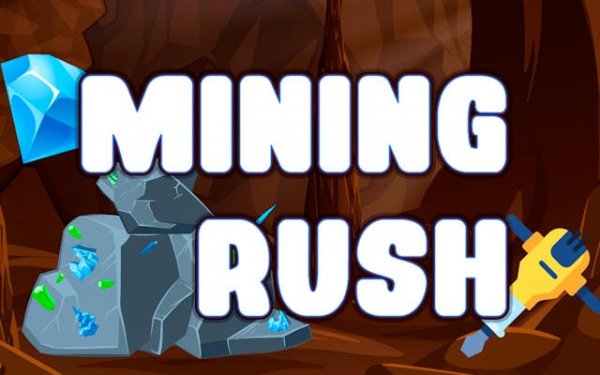
Mining Rush: Idle Miner Tycoon invites you to build and expand your own mining empire. Starting from a single plot of land, you will dig for valuable ores and gems, sell them for profit, and reinvest in better equipment. The game blends idle progression with city-building elements, allowing your small outpost to grow into a bustling metropolis. It offers a relaxing yet strategic experience where every upgrade brings you closer to becoming a true mining tycoon.
How to Play
Begin by tapping the screen to gather initial resources such as ores and gems. Sell these materials to earn currency, which you can use to purchase mining machines that work even when you are away. As your income grows, reinvest in more powerful tools to harvest rarer materials faster. Collect building materials like bricks, wood, and metal to construct houses, factories, parks, and other facilities. Check in regularly to manage upgrades, unlock new tools, and launch construction projects to keep your city expanding.
Game Features
The game includes over 60 unique tools and machines to unlock and upgrade. An idle progression system generates resources even when you are offline. City-building mechanics let you construct various structures, from houses to factories and parks. Strategic resource management allows you to optimize mining and construction efficiency. The satisfying incremental growth rewards regular check-ins and careful planning, offering a deep yet accessible experience for both casual and strategy fans.
Tips for Success
Focus on upgrading your mining equipment early to boost resource generation. Balance your spending between mining upgrades and city construction to maintain steady growth. Check in regularly to collect offline earnings and reinvest them promptly. Prioritize unlocking tools that harvest rare materials, as they yield higher profits. Plan your city layout to maximize efficiency, and don't neglect building upgrades that improve overall production.