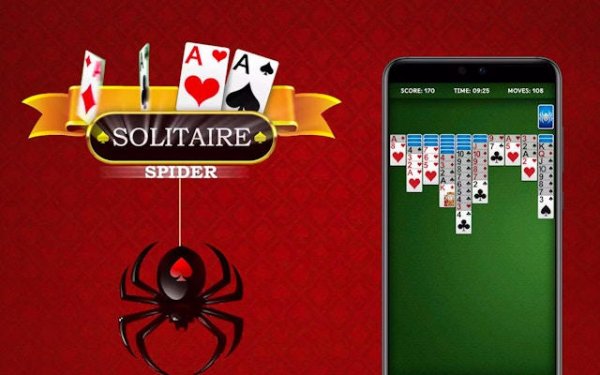
Spider Solitaire Deluxe
Reviews
Spider Solitaire Deluxe offers a smooth and engaging card puzzle experience. The multiple difficulty levels, from one suit to four suits, provide a good challenge for both beginners and experienced players. The drag-and-drop controls are intuitive, and the hint and undo features are very helpful. Customizable themes add a nice personal touch. It's a solid, free-to-play solitaire game that respects your time.
About This Game
Game Introduction
Spider Solitaire Deluxe is a classic card puzzle game that brings the beloved solitaire variant to your browser. The objective is to clear the tableau by arranging cards in descending order from King to Ace across ten piles. Unlike standard solitaire, you can move cards between piles regardless of suit, but only complete same-suit sequences can be removed. This adds a layer of strategic depth that keeps the game engaging for players of all skill levels. The game is free to play with minimal ads and requires no downloads or registration.
How to Play
To play, start by examining the ten tableau piles. You can move any card or sequence of cards in descending order to another pile, regardless of suit. Focus on building same-suit sequences from King to Ace, as these are the only ones that can be removed from the tableau. When you run out of moves, click the stockpile in the bottom right corner to deal new cards. Use the hint button for guidance and the undo function to backtrack. Plan your moves carefully to avoid blocking future possibilities.
Game Features
Spider Solitaire Deluxe includes multiple difficulty levels ranging from one suit to four suits, a user-friendly interface with drag-and-drop controls, hint and undo functions, detailed statistics tracking, customizable themes, and an auto-complete option for finishing games. The game is free to play with minimal ads and requires no downloads or registration.
Tips for Success
To improve your game, focus on building complete same-suit sequences before moving cards. Avoid leaving empty columns unless you have a King to place there, as empty spaces are valuable for reorganizing. Use the undo feature to experiment with different moves. Practice regularly to develop your strategy and speed. Pay attention to the order of cards in the stockpile to anticipate future moves.